
Turn the families who love your brand into your ambassadors.
Publish a sign-up page in your brand's look, put it on your website, and review every applicant with their real follower and engagement numbers. Your page, your program, with momfluence in the background.
An add-on that works with or without a momfluence plan.
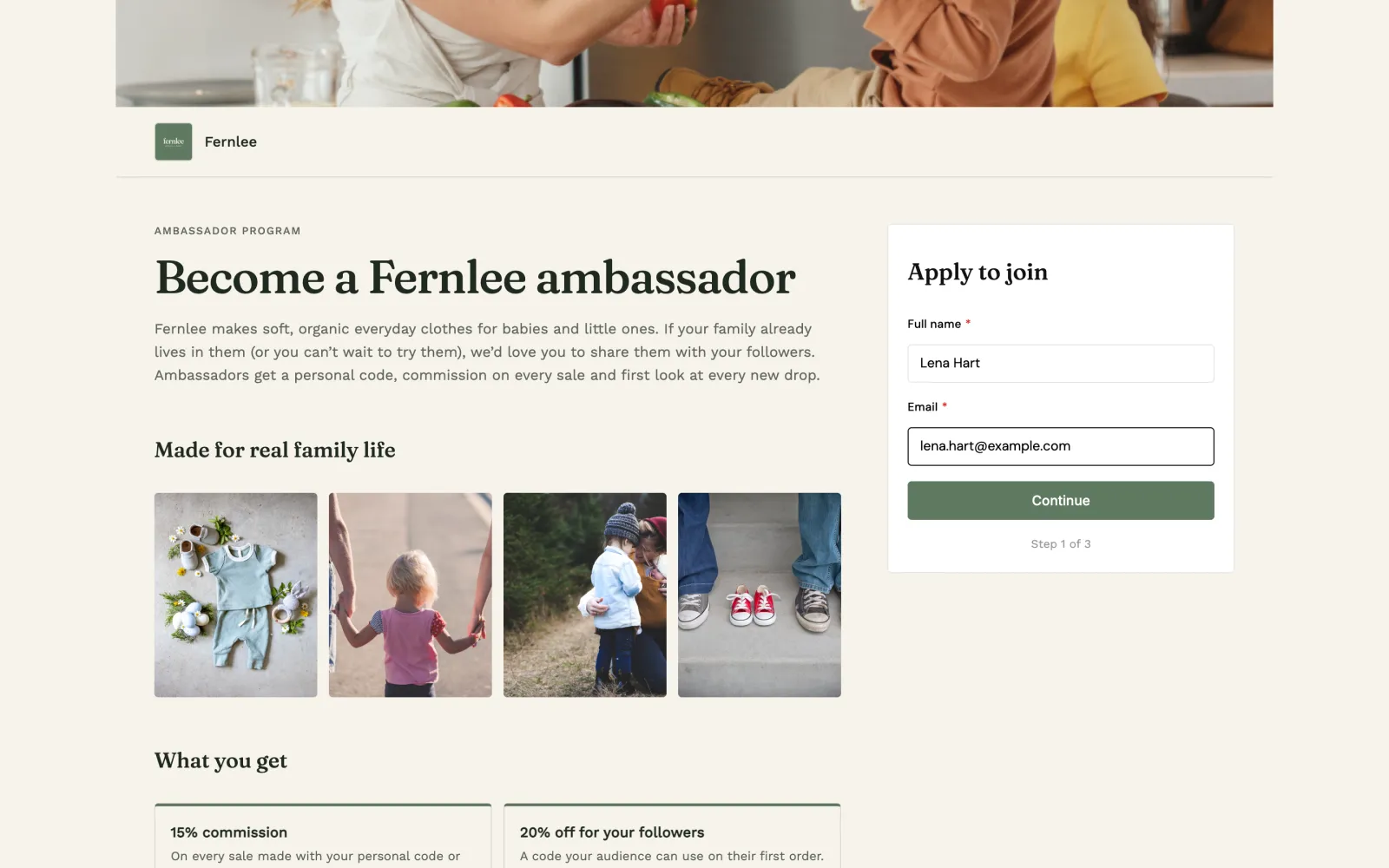
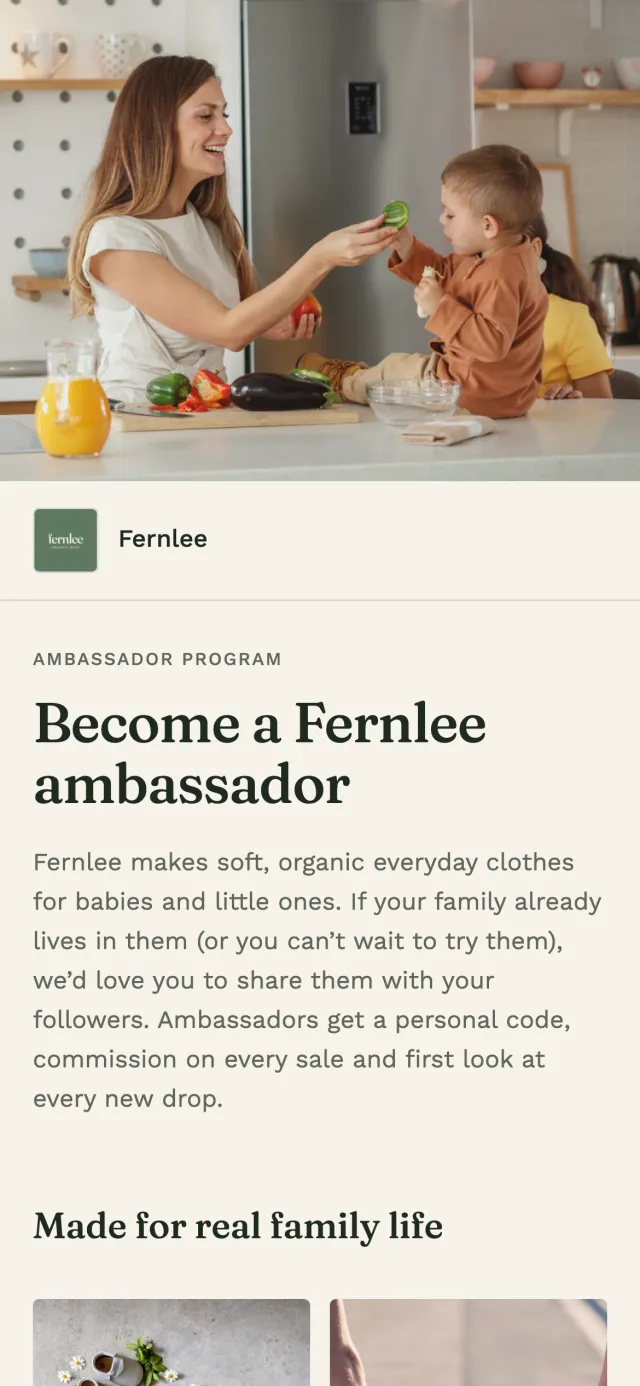
Your brand, front and centre
A sign-up page in your fonts, colours and photos. Applicants never see a momfluence email.
Every applicant in one place
Followers, engagement and answers to your questions, ready to approve or decline.
Know what is working
Sign-ups, page views and conversion over time, and where your sign-ups came from.
How it works
A sign-up page, an applicant list and a dashboard, in one add-on.
Everything you need to run an always-on ambassador program, without spreadsheets, form builders or a separate tool for each step.
1 Sign-up page
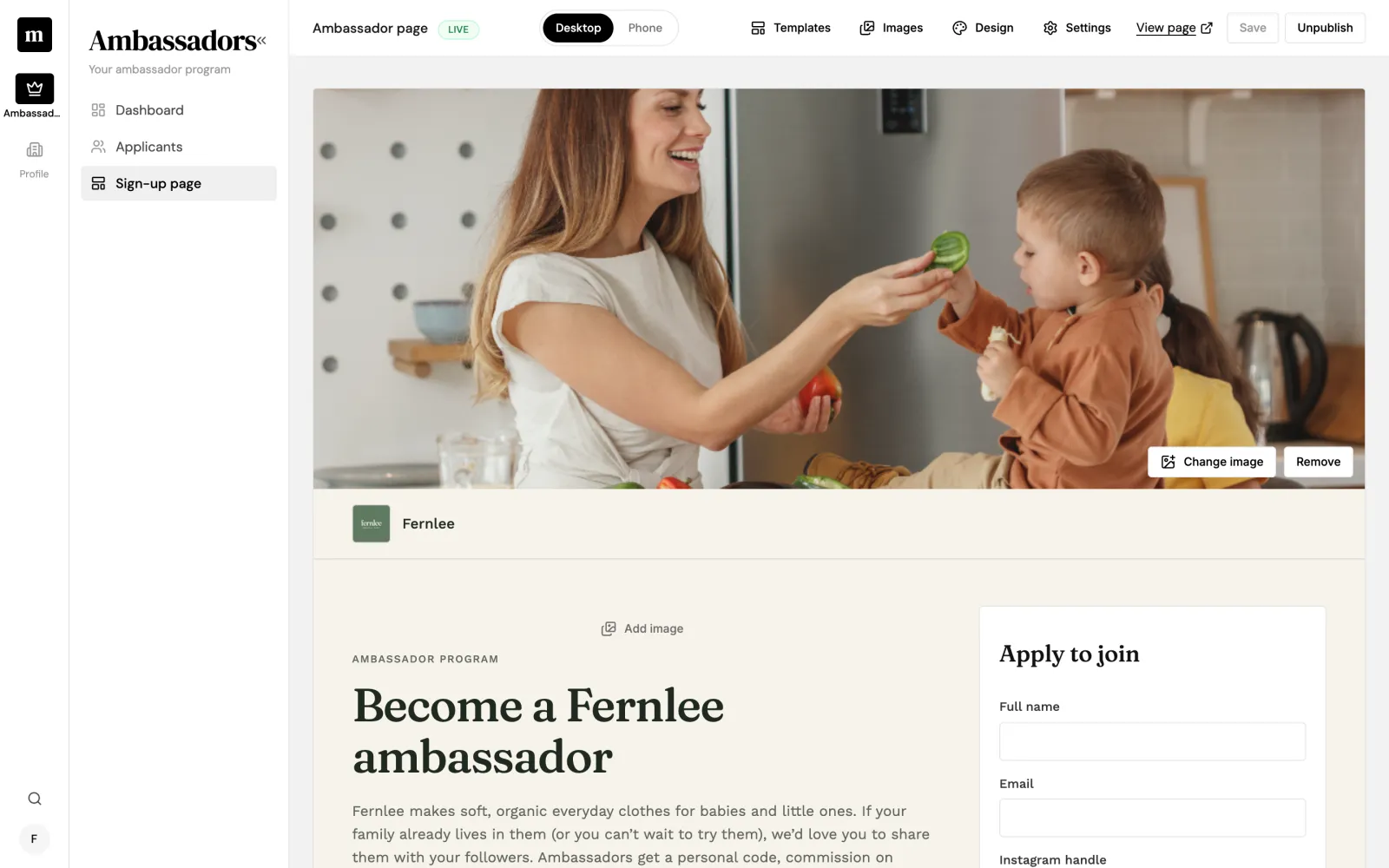
Edit your page right where it lives.
Your sign-up page is the editor. Click any heading or paragraph to change it, then preview it at desktop and phone width before you publish.
Perks, who you are looking for and FAQs, with suggestions to get you started Your own sign-up questions: written answers, checkboxes, dropdowns and yes/no Photos anywhere on the page, from a library of up to 30 images
2 Design
Make it look like yours, not ours.
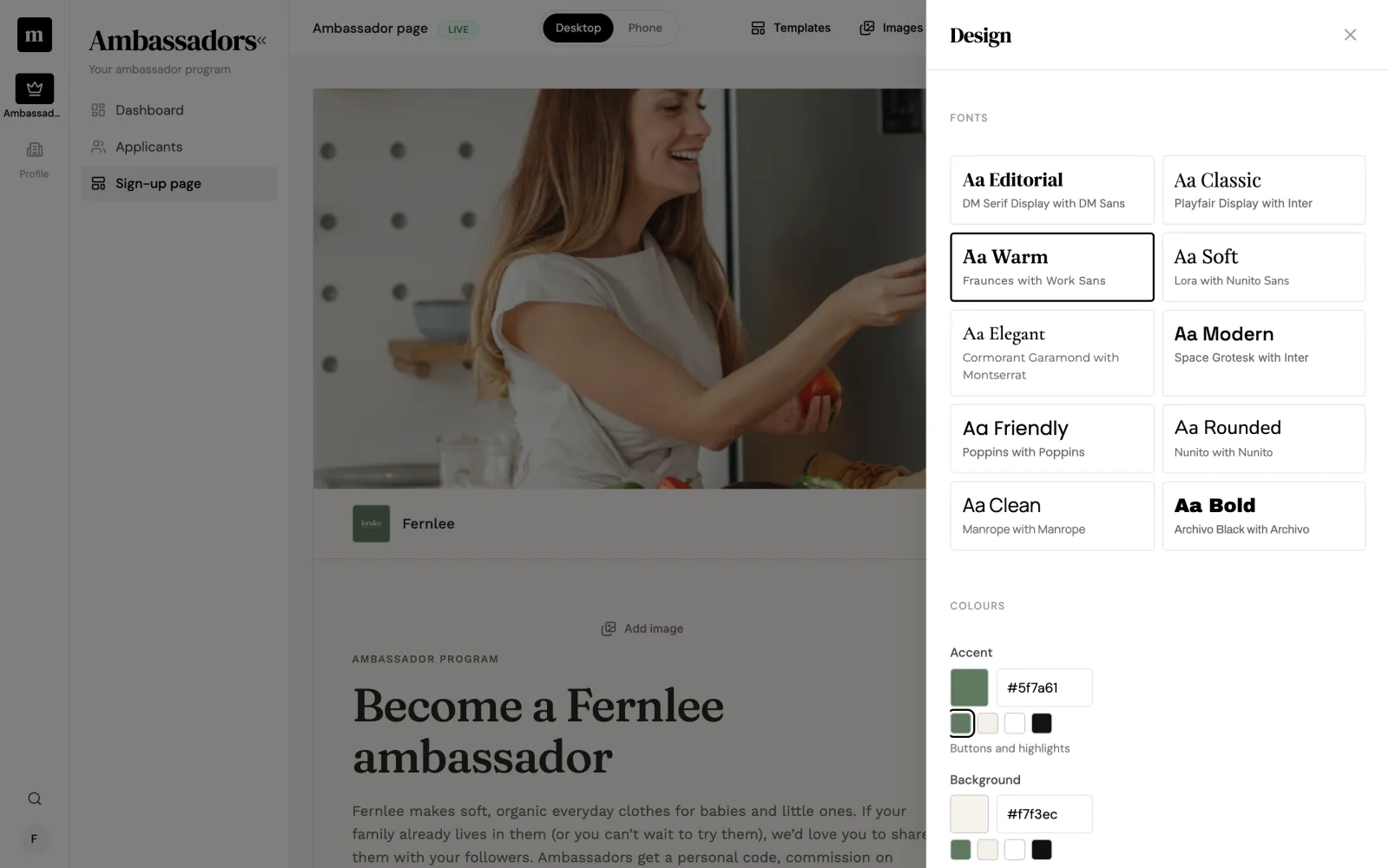
Start from a template and make it your own. Change every word, choose the fonts and set your colours.
Templates for commission programs, product seeding and community programs Ten curated font pairings, or upload your brand’s own fonts Accent, background and text colours, checked for readability before you publish
3 Applicants
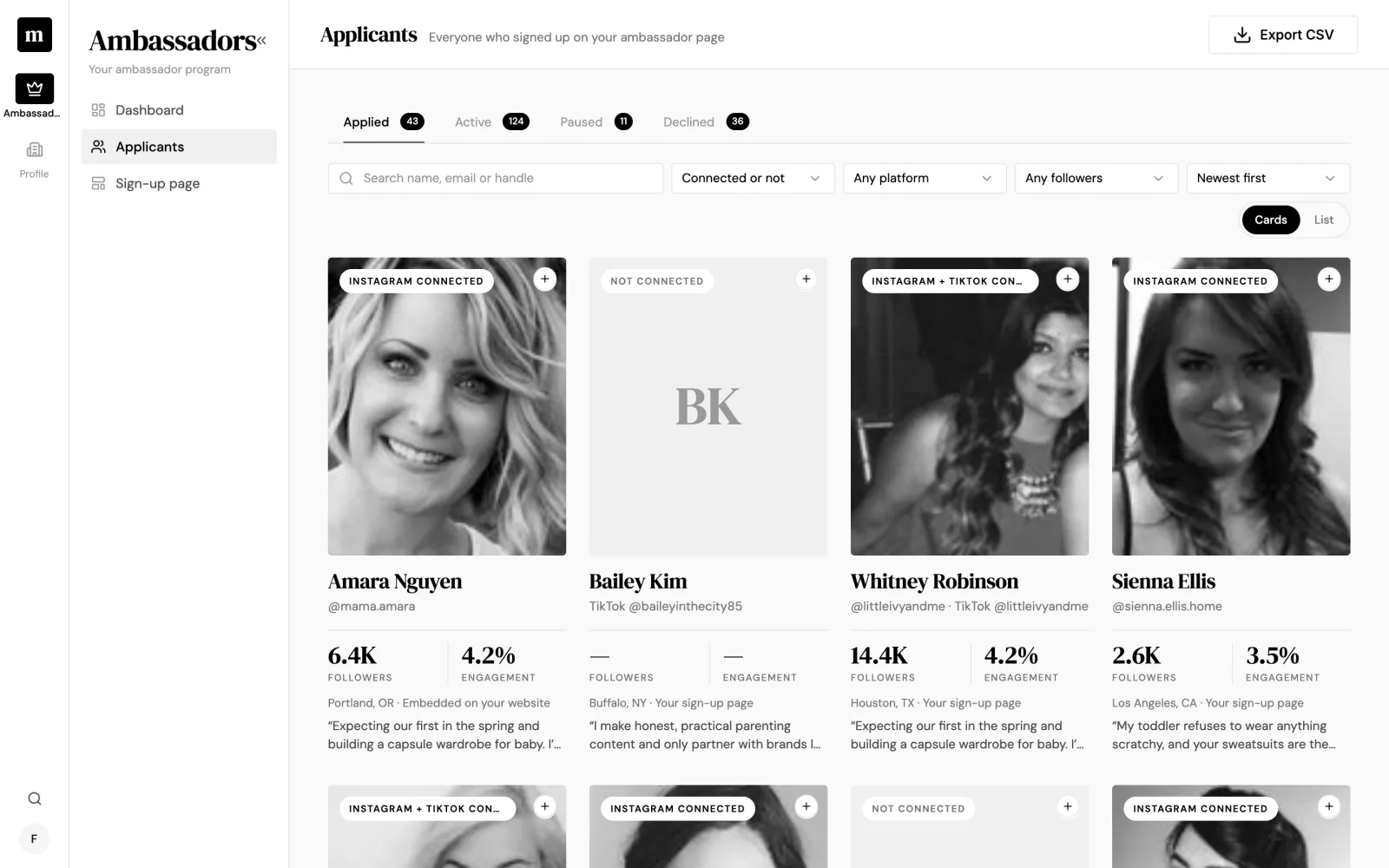
Every applicant, with the numbers that matter.
Everyone who signs up lands in your Applicants list. When they connect Instagram or TikTok, you see their real follower count and engagement rate, not a number they typed in.
Card or list view, with tabs for applied, active, paused and declined Search, and filter by connected accounts, platform and followers Export to CSV, with one column per sign-up question
4 Review
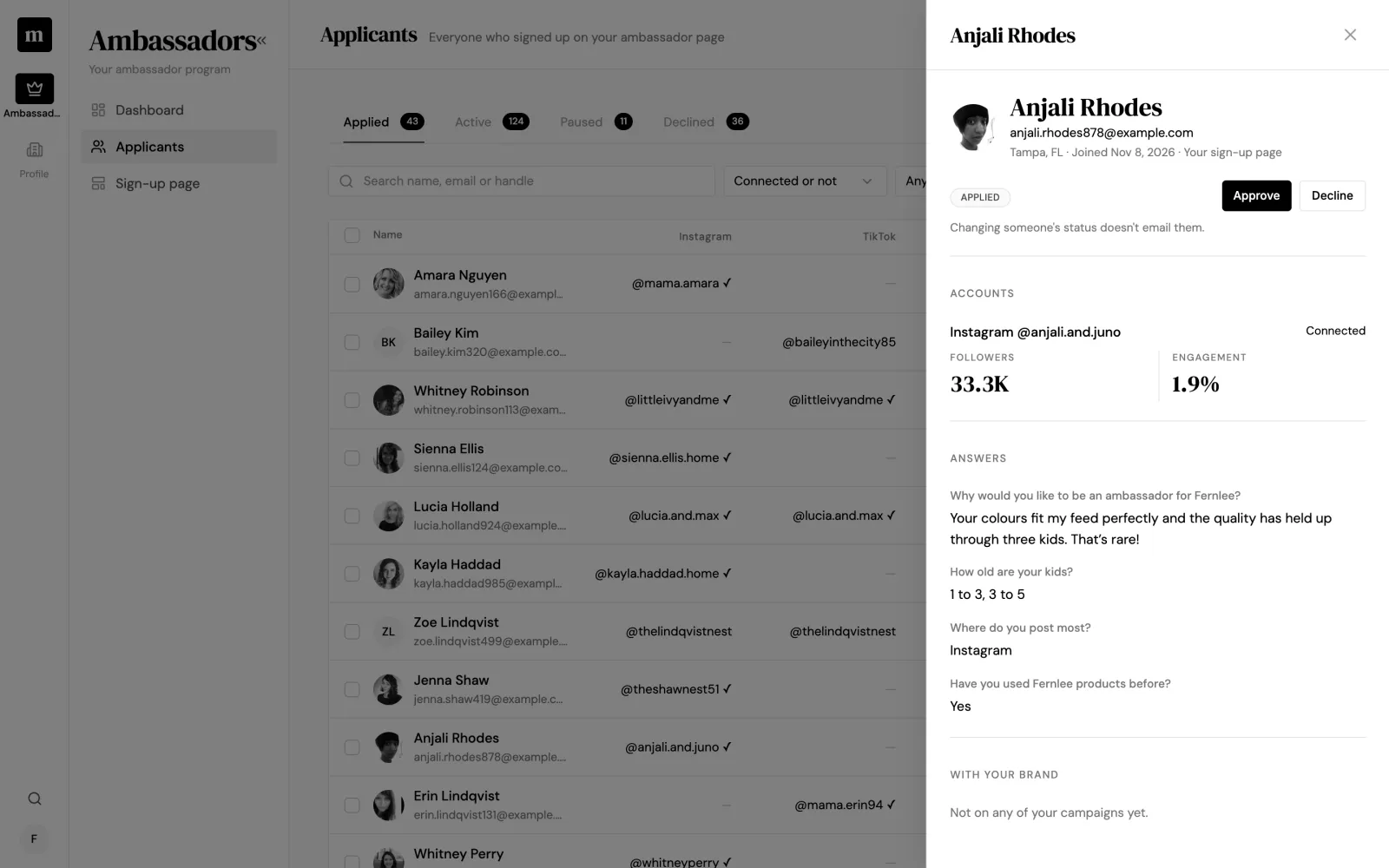
Approve, decline or pause in a click.
Open anyone to see their accounts, their answers to your questions and whether they have worked with your brand before. Approve one person or a whole batch at once.
Every answer in one panel next to the list Approved ambassadors join your creator roster Changing someone’s status never emails them, so you decide how to follow up
5 Dashboard
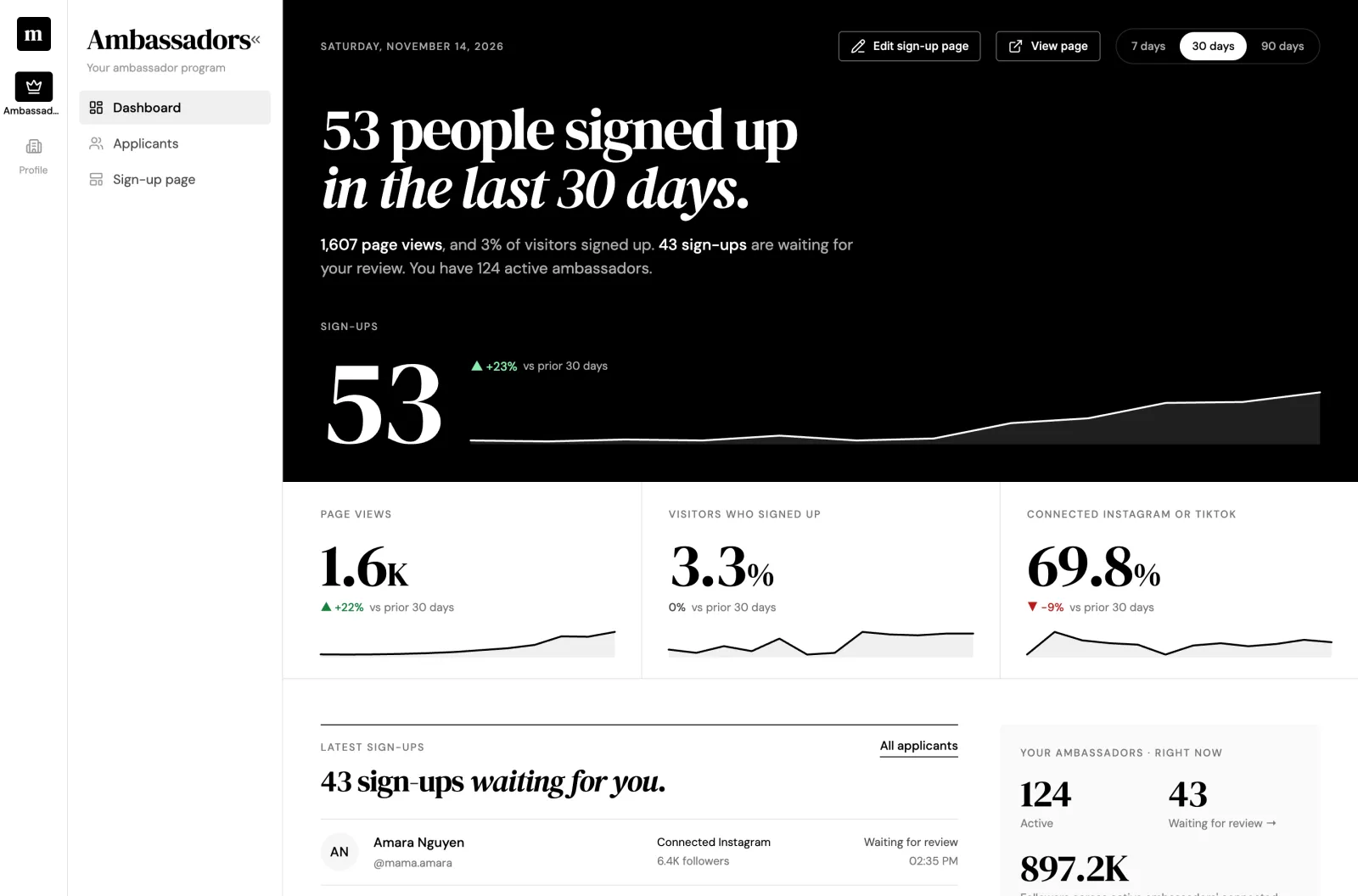
See how your program is growing.
Your dashboard opens with the headline: how many people signed up, how many visited, and who is waiting for review.
Sign-ups, page views and conversion over 7, 30 or 90 days The share of sign-ups who connected Instagram or TikTok Where sign-ups came from: your hosted page or your website
What applicants see
Three short steps, in your brand.
Most people sign up from their phone, so the form is built for it. No momfluence branding, no emails from us and no password to set up.
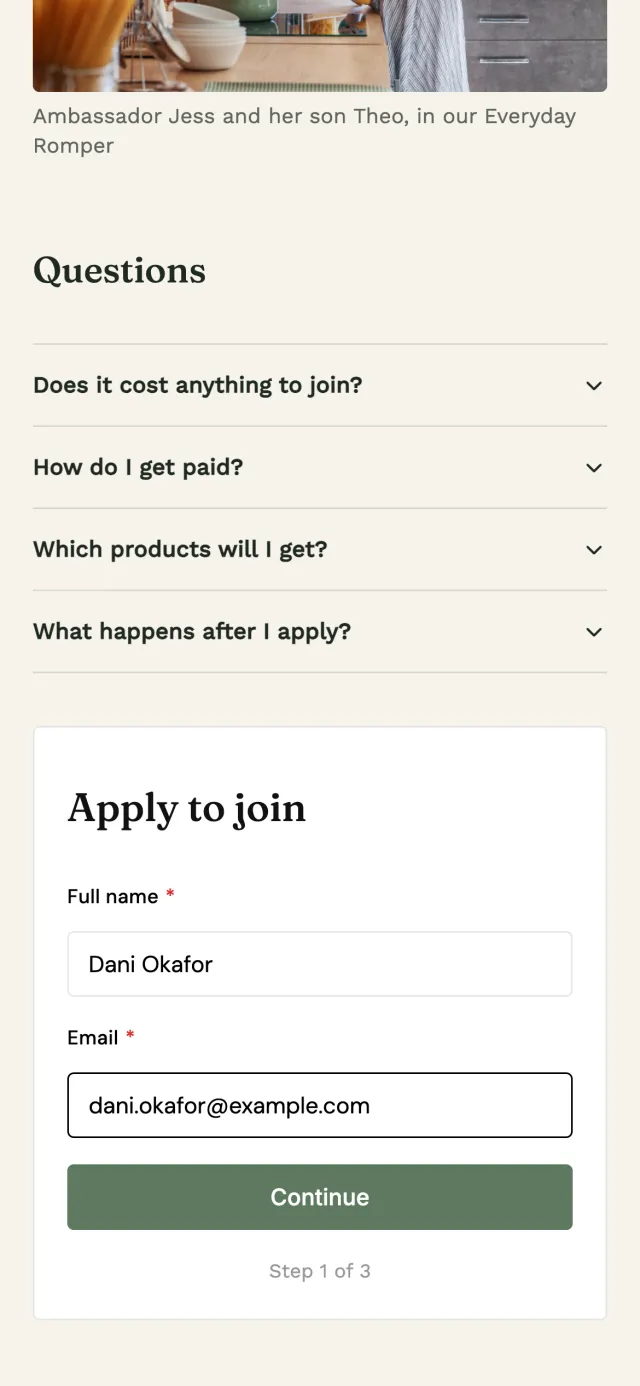
1 Name and email
No password to set and no account to confirm.
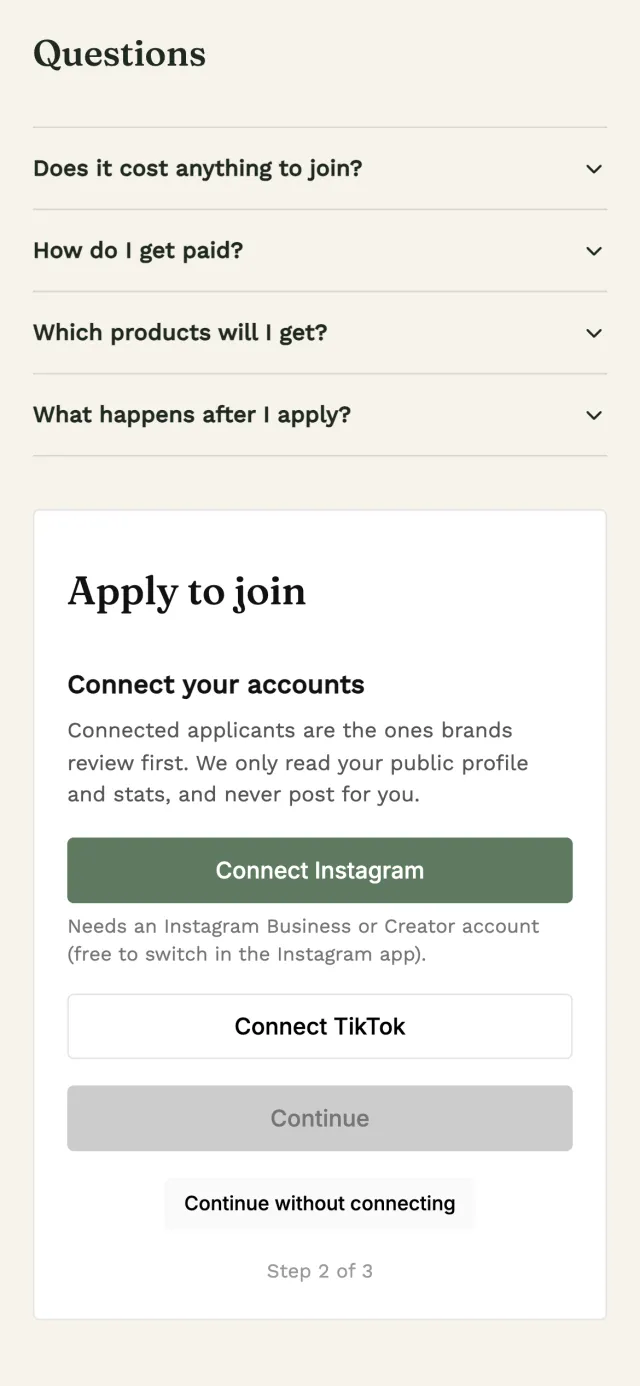
2 Connect Instagram or TikTok
Strongly encouraged but not required. Anyone can type a handle instead.
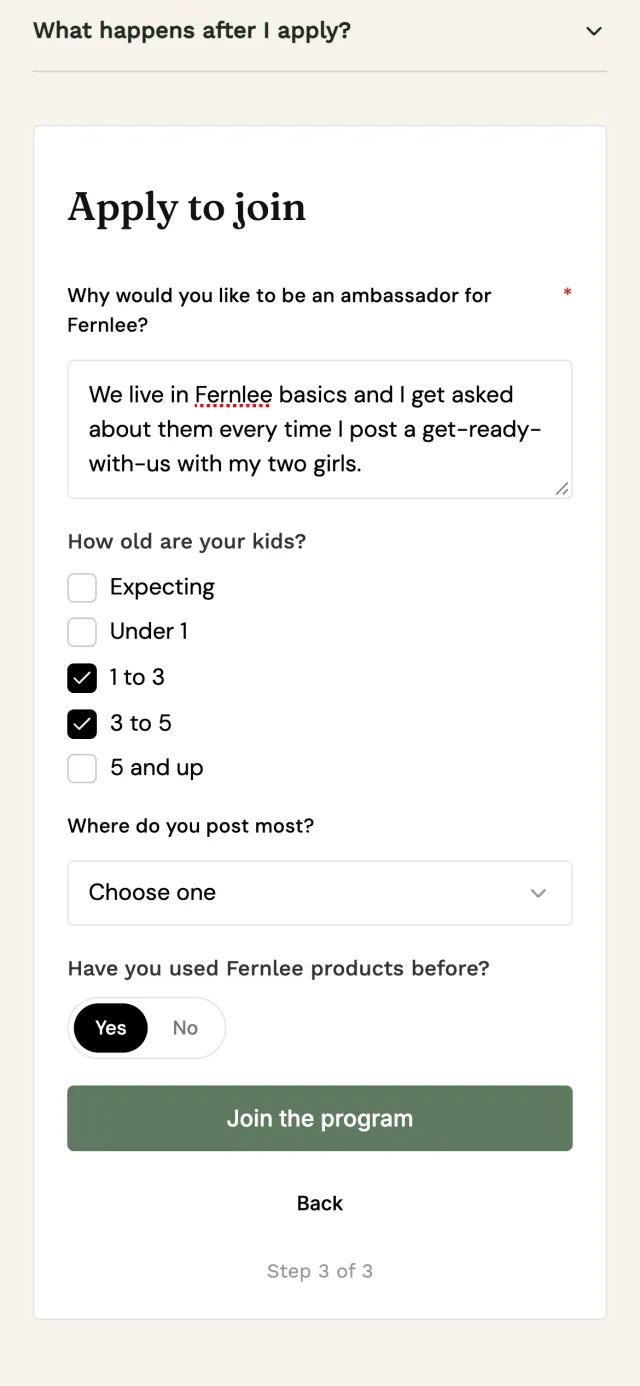
3 Your questions
Ask what you need to know to choose the right people.
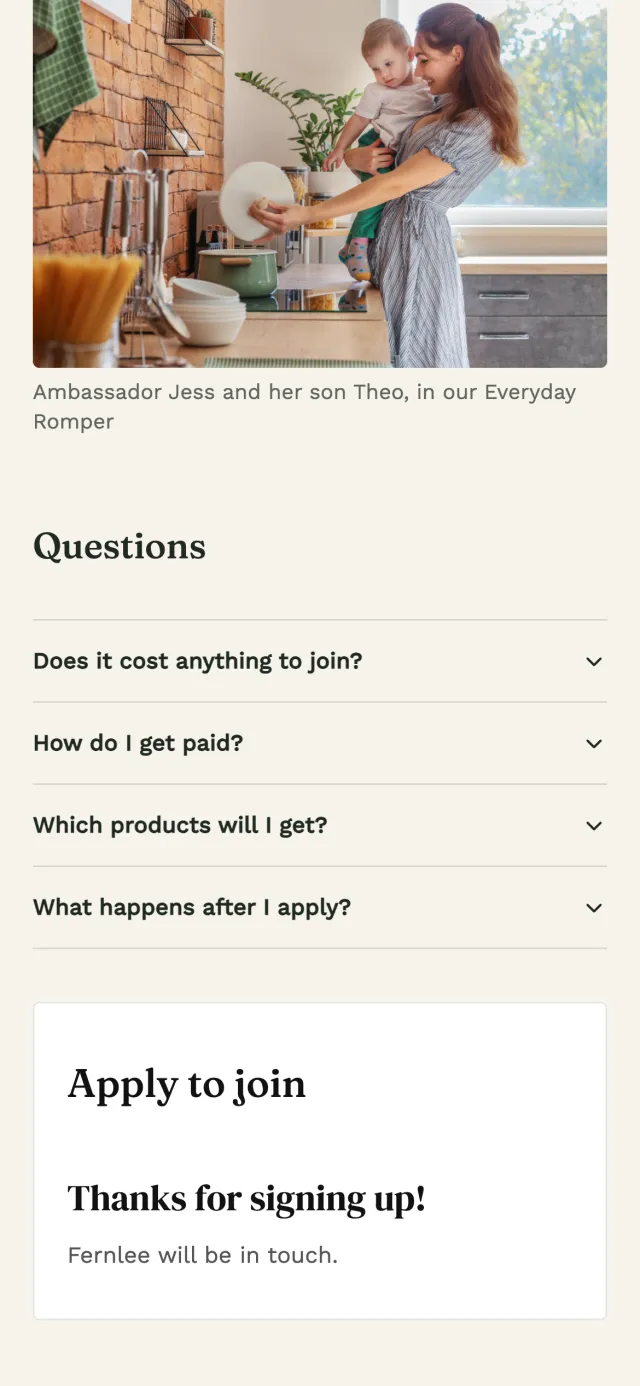
4 Done
A thank-you from your brand. They appear in your Applicants straight away.
Getting started
Live in an afternoon.
Talk to us.
We switch on the Ambassador add-on for your brand. You don’t need a momfluence plan.
Build your page.
Pick a template, add your photos, fonts and colours, write your questions and publish.
Share it.
Post the link, print the QR code or embed the form on your website.
Choose your ambassadors.
Review sign-ups as they arrive and approve the people who fit your brand.
Questions
What brands ask us.
Ready to launch your ambassador program?
We'll switch on the add-on, show you around and help you publish your first page.
Or email us at hello@momfluence.co